
Learn to grow youTube Channel or Do Freelance
Learn editing, motion graphics, AI video workflows, creator strategy, and client-ready delivery systems.
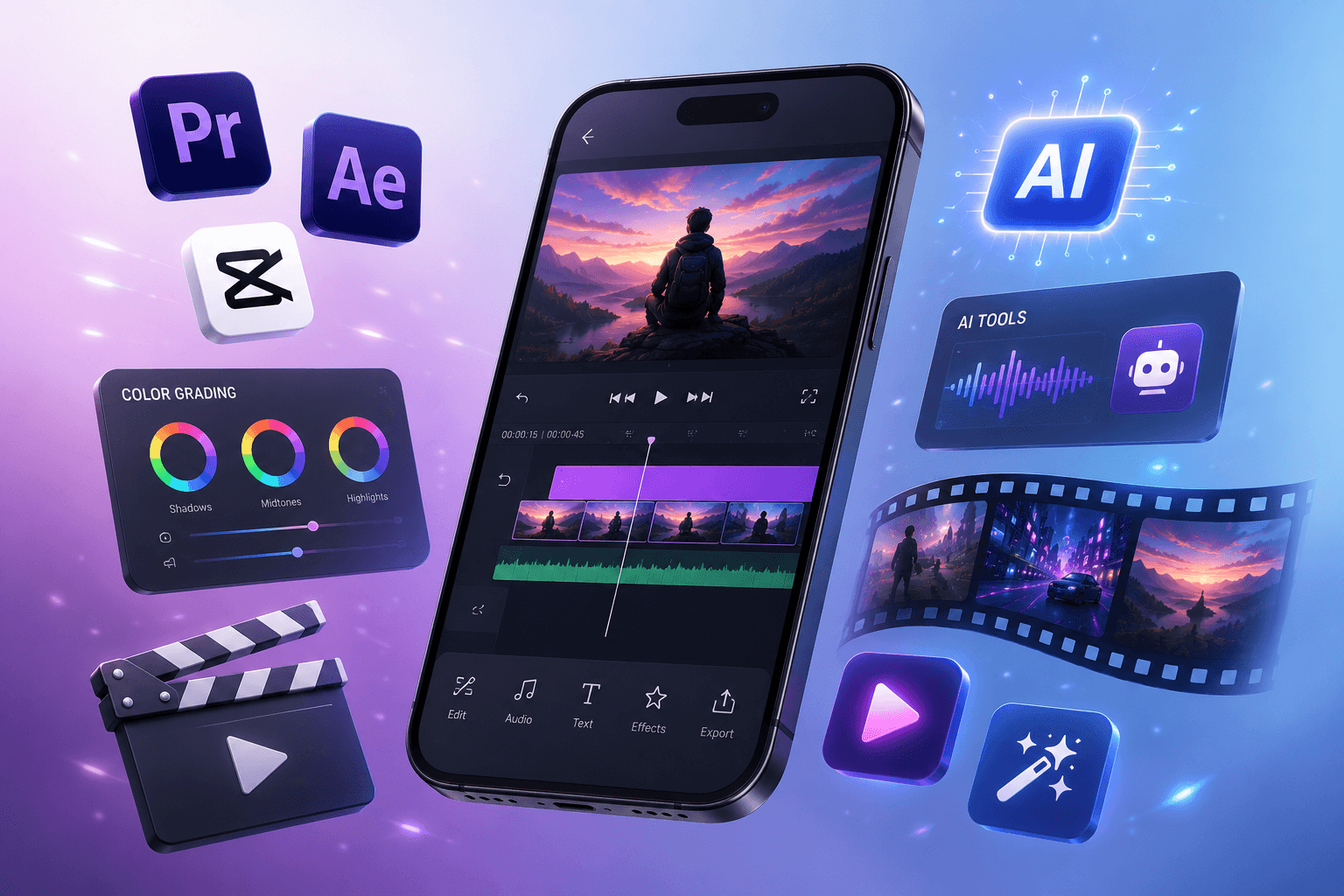
Program Overview
This course turns video editing into a practical creator-economy skillset: planning, cutting, motion, AI ideation, thumbnails, YouTube systems, and freelancing confidence.
- Hands-on editing practice
- AI content creation workflows
- YouTube growth fundamentals
- Freelance project guidance
Course Structure
- Premiere Pro timeline, audio, color, captions
- After Effects titles, motion graphics, effects
- CapCut short-form editing and templates
- AI video tools for scripts, visuals, voice, and repurposing
- Packaging, pricing, delivery, and client communication
Modern creator workflows for content and income.
YouTube Creation
Structure videos, improve retention, plan thumbnails, and create repeatable publishing workflows.
AI Video Tools
Use AI for concepts, scripts, voice support, captions, repurposing, and faster production.
Freelancing Guidance
Build packages, prepare samples, price work, and communicate professionally with clients.
Common questions.
Do I need a professional camera?
No. The course focuses on editing, AI workflows, and creator systems you can practice with available footage.
Will I receive a certificate?
Yes. Students receive a SuperShell Games certificate after completing course requirements.